Your Mac's vital signs,
at a glance.
A native, polished Mac menu bar system monitor for CPU, memory, storage, battery, network and temperature — with desktop widgets and local-first history.

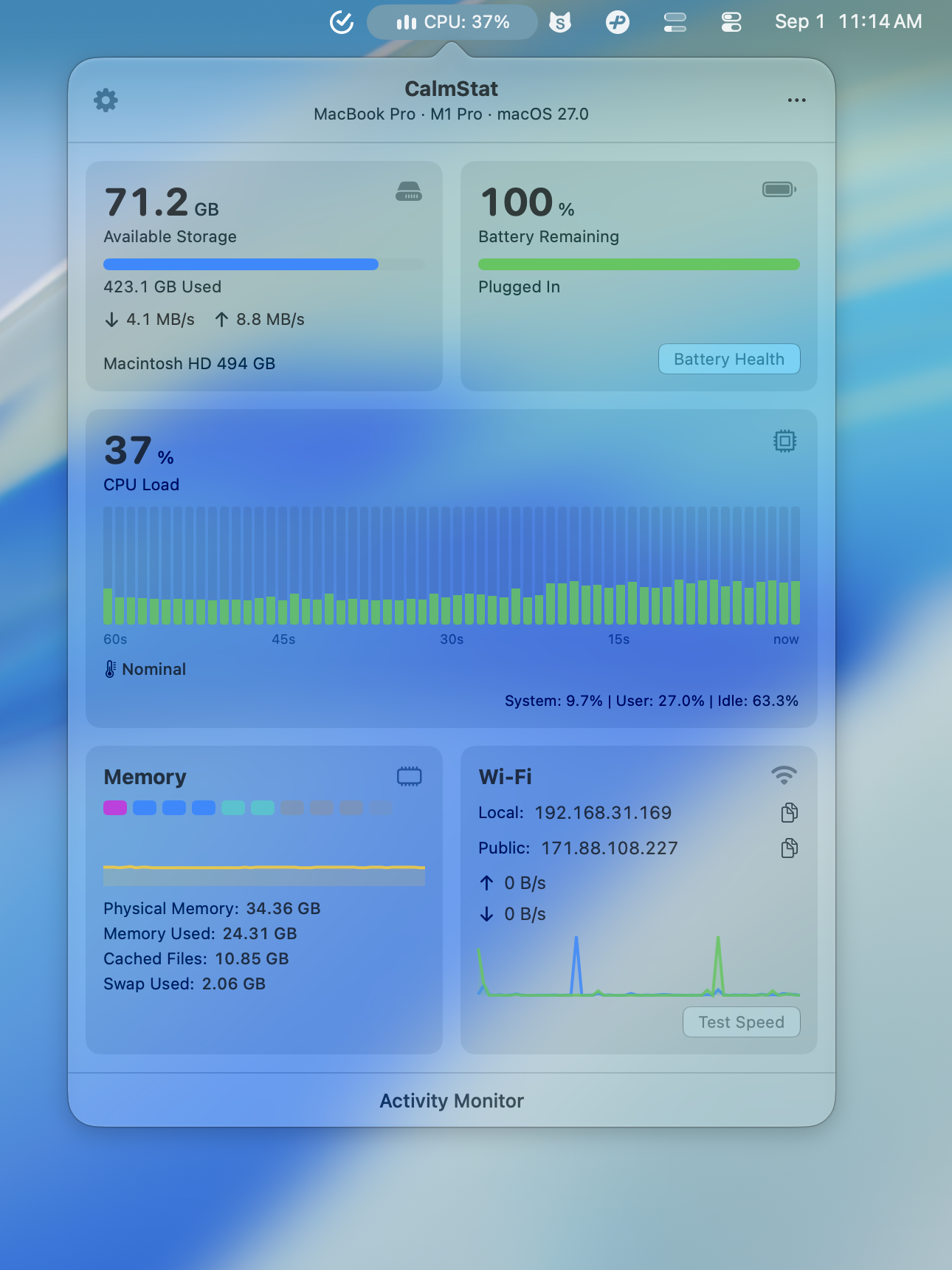
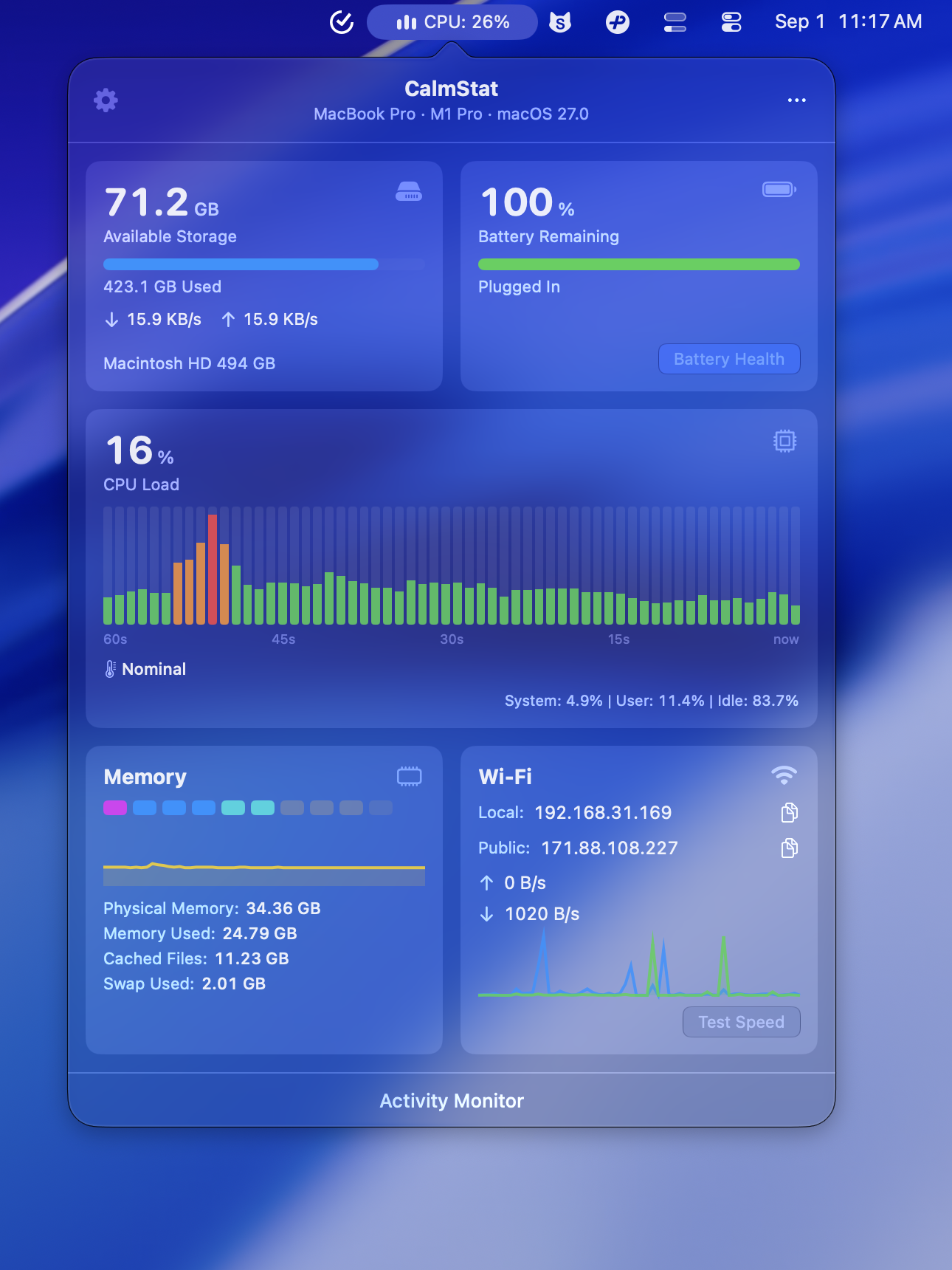
A native, polished Mac menu bar system monitor for CPU, memory, storage, battery, network and temperature — with desktop widgets and local-first history.
Real-time load, per-core breakdown, top processes at a glance.
Memory pressure, usage breakdown, swap, cached files, and memory-heavy processes.
APFS-aware volumes, disk usage analysis, storage cleanup suggestions.
Charge cycles, health percentage, temperature monitoring.
Live upload/download speed, interface detection, speed test.
CPU/GPU temps, fan RPM, thermal state monitoring.
System metrics stay on your device. No app telemetry.
< 0.3% CPU at idle. Adaptive sampling.
Built with SwiftUI for a quiet menu bar experience that feels at home on macOS.
Search less, know sooner
CalmStat turns common Mac troubleshooting questions into a native, polished menu bar dashboard, so you can spot pressure, heat, space, battery, and network issues before opening Activity Monitor.
Choose Direct download from calmstat.com or install from the Mac App Store. Both versions include a 7-day free trial and unlock with a one-time purchase.
Watch CPU load, system/user split, top processes, temperature, and fan speed in one glance.
macOS memory pressure
Track memory pressure, swap usage, cached files, and which processes are using the most memory.
Mac storage space
See available storage, read/write activity, large folders, and safe cleanup candidates.
Mac battery health
Check battery percentage, charging state, cycle count, health, temperature, and time remaining.
Mac network speed
Monitor upload/download speed, active interface, local/public IP, and run a quick speed test.
7-day free trial included
CalmStat never uploads system metrics. Monitoring runs locally, with network requests only for public IP lookup, speed tests, and license activation or validation.
CalmStat uses less than 0.3% CPU at idle thanks to adaptive sampling that adjusts monitoring frequency based on system activity.
macOS 14 Sonoma and newer. Both Apple Silicon (M1/M2/M3/M4) and Intel Macs are fully supported.
You can use the direct download from calmstat.com or install CalmStat from the Mac App Store. Both versions include a 7-day free trial and unlock with a one-time purchase.
Functionally, the direct download is the fuller build: its popover can include advanced diagnostics and actions such as top processes, CPU/GPU temperature and fan data, storage scan, and memory cleanup. It uses Creem for purchase and license activation. The Mac App Store version is constrained by App Store sandbox and review rules, so its popover focuses on core metrics: CPU, memory, storage, battery, and network, and some advanced diagnostics/actions are not present in the MAS build. It uses Apple StoreKit for purchase/restore and the App Store for updates. Core monitoring, menu bar, widgets, local history, and basic alerts stay aligned.
No. CalmStat is a commercial Mac app. The privacy promise comes from local-first system metrics, no app telemetry, and clear disclosure of the few network features the app can use.